

Photo: Alpsdake, Wikimedia Commons (CC BY-SA 4.0)

How to Use the Shizuoka FUJI NAVI App: Registration, the Safety Quiz, the 4,000 Yen Fee, and Your Mt. Fuji Entry QR Code
A step-by-step guide to "Shizuoka FUJI NAVI", the official app for climbing Mt. Fuji from the Fujinomiya, Gotemba, and Subashiri trails. Covers account setup, the pre-learning quiz, paying the 4,000 yen fee, showing your QR code, sharing permits, changes and refunds, and how it differs from the Yoshida Trail system.
"Shizuoka FUJI NAVI" is Shizuoka Prefecture's official app for climbers on the three Shizuoka trails: Fujinomiya, Gotemba, and Subashiri. It handles everything you need before you start: the required pre-learning course, payment of the climbing fee, and your entry permit as a QR code.
The 2026 rules ended on September 10 with the close of the climbing season, and registration for this year is closed. Here is how the process works, how it differs from the Yamanashi side, and what you can decide now for next summer.
Where Things Stand Now (After the 2026 Season)
| Item | Status |
|---|---|
| 2026 rules | Ended with the close of the season on September 10 |
| FUJI NAVI registration | Open May 8 to September 10 in 2026. Closed for this year |
| 2027 details | Shizuoka says it will announce next year's details once decided |
| Mt. Fuji now | Off-season. Trails to the summit are closed, and huts and first-aid stations are shut |
In 2026, Subashiri was open July 1 to September 10, and Fujinomiya and Gotemba July 10 to September 10.
Shizuoka vs. Yamanashi: Different Systems
Each prefecture runs its own system. FUJI NAVI is only for the three Shizuoka trails. The Yoshida Trail in Yamanashi uses a separate reservation system. Here is how they compared in 2026:
| Item | Shizuoka (Fujinomiya, Gotemba, Subashiri) | Yamanashi (Yoshida) |
|---|---|---|
| How to register | FUJI NAVI app (on-site also possible) | Online reservation with advance payment (optional; on-site also possible) |
| Fee | 4,000 yen per person per climb | 4,000 yen per person per climb |
| Pre-learning | Required (you must answer every quiz question correctly) | Agree to a list of pledges |
| 2:00 PM to 3:00 AM | Entry only with a hut stay | Gate closed (hut guests excepted) |
| Daily cap | None | Gate closes at 4,000 climbers (hut guests excepted) |
| Cancellation | Free, full refund up to the day of entry | Free until the day after payment; after that, no refund |
Subashiri merges with the Yoshida Trail at the 8th station, but which system you need depends on the trailhead where you start. Starting from Subashiri means FUJI NAVI.
For the full picture, see Mt. Fuji Climbing Rules 2026.
Five Steps in the App
Do these at home, and at the 5th station you only need to show your QR code.
1. Install the app and create an account
Get "Shizuoka FUJI NAVI" (free) from the App Store or Google Play, choose a language, and tap to register. Enter your email address and a password, then type in the verification code you receive by email.
- Accounts reset every year. Even if you used the app before, you must register again for the new season
- Use an address that can receive the code, and check your spam folder
- To avoid similarly named apps, follow the link from the Official Website for Mt. Fuji Climbing's Shizuoka page
The app works in Japanese, English, Korean, Chinese (Traditional and Simplified), Thai, Vietnamese, and Indonesian.
2. Read the pre-learning material and pass the quiz
Open the "learn about climbing Mt. Fuji" section, read through it, and take the quiz at the bottom. You have to get every answer right to move on.
Completing this course is a condition of entry under Shizuoka's ordinance. It covers how to protect Mt. Fuji and the rules and manners for climbing safely, by video or text.
3. Enter your climber details
After passing, you enter your name, phone number, country of residence, prefecture, nationality, age, gender, number of previous Fuji climbs, and usual exercise habits. You can change these later under "User information" on your My Page.
4. Buy your ticket (entry permit)
Tap to buy a new ticket, or use "Add ticket" in the top right.
- Choose your climbing style (day climb or hut stay) and trail (Fujinomiya, Gotemba, or Subashiri)
- Choose the number of people
- Pick your entry date on the calendar
- Enter the lead person's name and phone number, your descent trail, how you are getting there, your hut booking (for hut stays), hut name, planned entry time, destination, whether you are on a tour, and your relationship to your companions
- Agree to the terms and privacy policy, choose a payment method, and pay 4,000 yen per person
The app does not book mountain huts. If you are staying overnight, book the hut yourself. Our Mt. Fuji mountain huts guide explains how.
5. Assign the permit and show the QR code
After paying, open the step for pre-learning and climber details, and choose who will use the permit:
- "Use it myself": your QR code appears
- "Someone else will use it": that person completes the quiz and climber details on the same phone
Only then is the permit ready. Paying alone does not finish the process, so make sure you can see your QR code.
Sharing Permits With Your Group
The lead person can buy permits for everyone and pass them on:
- Tap "Share" on the permit and send the link by email or a messaging app
- Your companion installs FUJI NAVI, opens the link, and taps to receive the ticket
- They then complete the pre-learning and climber details and choose "Use it myself" to see their own QR code
Everyone who receives a permit still has to do the quiz and enter their details in their own account. Send the links as soon as your dates are set, not the night before.
Changes and Cancellations
| What you want | How |
|---|---|
| Change the entry date | Permit "Details" → "Change booking" → "Change date" |
| Change booking details (descent trail, hut name, entry time, etc.) | "Details" → "Change booking" → "Change information" |
| Change the climber's details | "Details" → "Change climber information" |
| Cancel | "Details" → "Cancel booking" → "Refund". No fee; full refund to your original payment method |
- You can cancel for a full refund up to the day of entry, but not after your permit has been checked at the on-site reception
- If your entry date or trail changes, update your registration by the day of entry
On the Day at the 5th Station
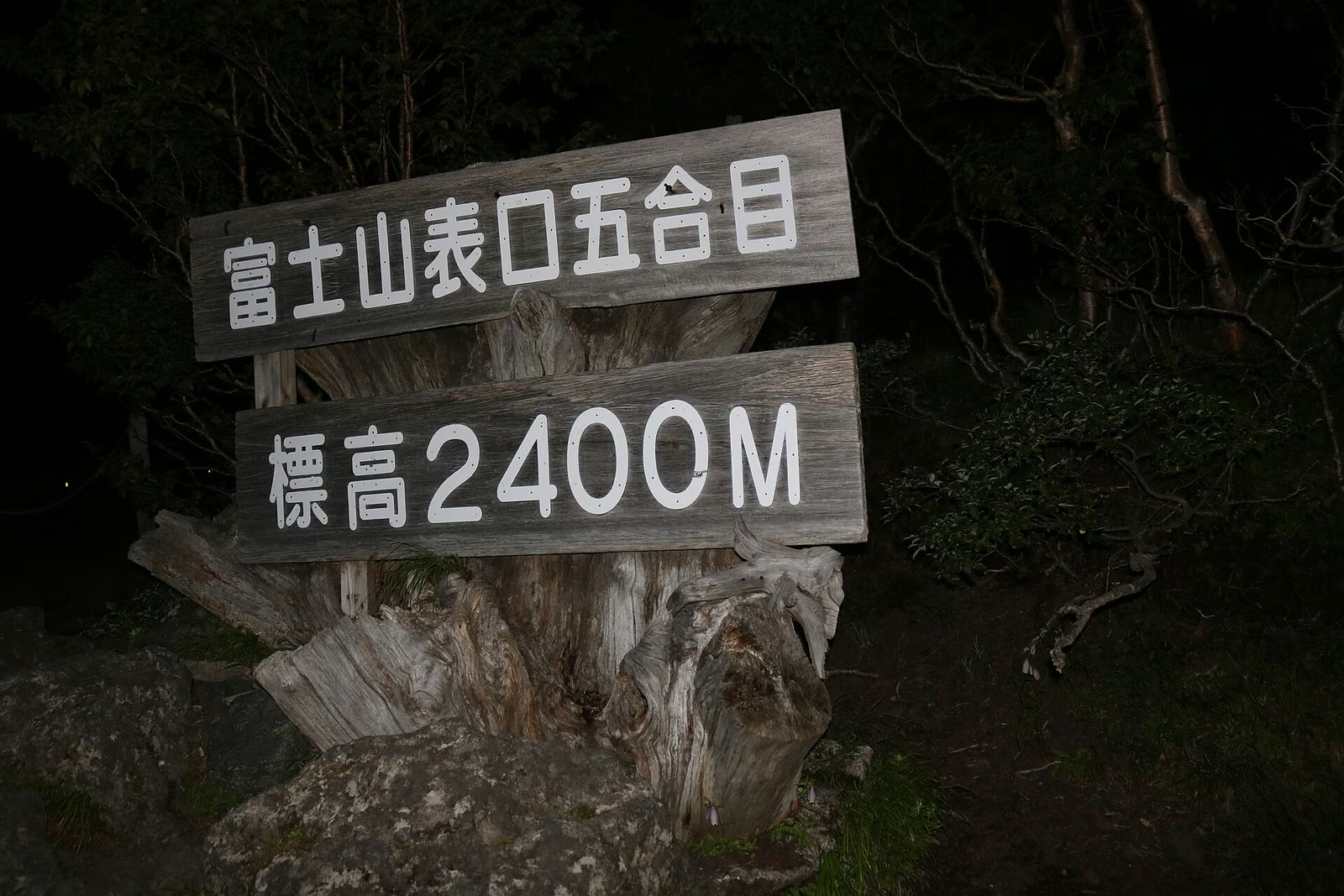

- Open FUJI NAVI, show your QR code to the staff at the trail entrance. If you hold several permits, swipe left to show each one
- Once checked, you receive a wristband
- Show the wristband to the staff at the trail entrance and start climbing
Between 2:00 PM and 3:00 AM, entry requires a hut stay. Open the permit's "Details" and also show your hut booking, such as the confirmation email.
In 2026, climbers who registered in advance on FUJI NAVI received a souvenir pin badge at each trailhead.
If you might miss the 2 PM cutoff
Even on a day-climb plan, traffic or shuttle bus queues can make you late. After 2:00 PM you cannot enter without a hut stay, so if you arrive late, be ready not to go up.
Shizuoka also warns that the last buses down are limited and that few taxis run at night, so getting picked up at the 5th station is hard. Plan backward from when you need to be down, and turn around if you are slower than expected.
If you do not have a smartphone
You can do everything on site at the 5th station. That takes about 30 minutes for the pre-learning, paperwork, and fee, and there may be a queue in peak season. Shizuoka's site lists the documents you need for on-site registration.
Useful Features While Climbing


FUJI NAVI is not just for paperwork:
- Map: shows trails, standard times, your current altitude, huts, and other spots
- Notifications: with notifications on, you get emergency and weather alerts for Mt. Fuji. Past alerts are under "News"
- Location: for your safety and for rescue, the app records your location only within 7 km of the summit. To send it, set location access to "Always allow" and keep the app running in the background while you climb. Locations outside that area are not recorded
On a quiet trail with wide, open slopes like Gotemba, where it is easy to stray off the path, the map and location settings are especially useful.
Do Not Climb Outside the Season

.jpg)
Outside the climbing season, the Road Act closes the trails to the summit (on the Fujinomiya Trail, from the 6th station during part of the year). Violators can face up to six months in prison or a fine of up to 300,000 yen.
Huts, first-aid stations, and toilets are closed. The official site says summit temperatures stay below freezing for most of the closed season, dropping below -10°C from November to April.
In autumn and winter, enjoy Mt. Fuji from the lakes and the surrounding mountains instead of heading for the summit.
What You Can Decide Now for Summer 2027
- Trailhead: Fujinomiya, Gotemba, or Subashiri (for Yoshida, you need Yamanashi's system)
- Day climb or hut stay: tickets are split by climbing style
- Hut: if you are staying, book the hut separately. Entry after 2:00 PM requires a hut stay
- Group and lead person: one person buys and shares, or everyone buys their own
- Payment method: have a card or other payment method ready
- Phone: bring the phone you registered on, fully charged, with a power bank
Shizuoka will announce the 2027 registration date, fee, and rules once decided. They may differ from 2026, so check the official notice before you register. For preparing for the climb itself, see Climbing Mt. Fuji for the First Time.
Official Sources
- Official Website for Mt. Fuji Climbing: Shizuoka Prefecture notice
- Official site: Shizuoka trails restrictions (2026)
- Shizuoka FUJI NAVI user manual
- Official site: Yamanashi Prefecture notice
- Official site: climbing outside the season
- Official site: FAQ